Volley Bomb Modes & Practice Court
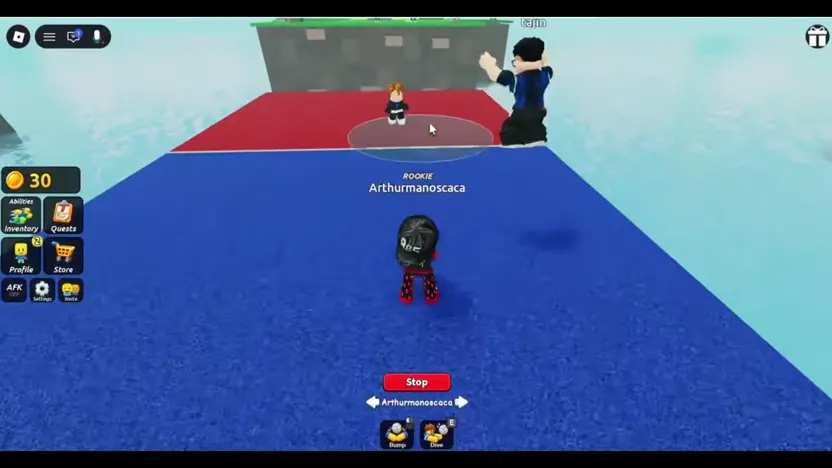
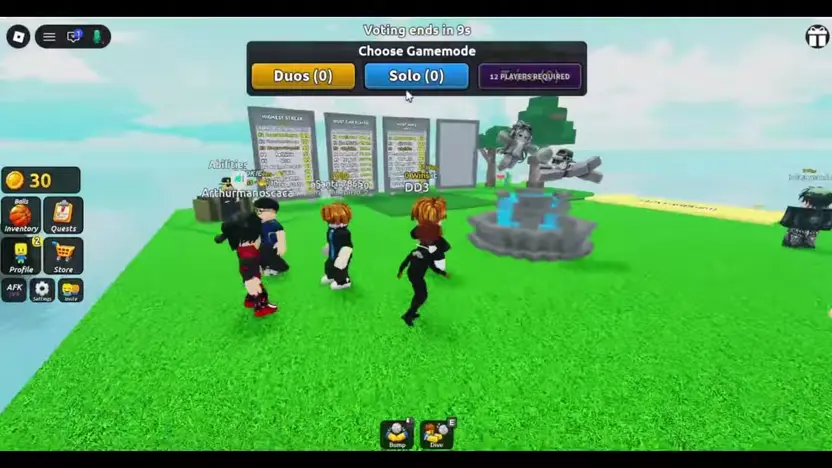
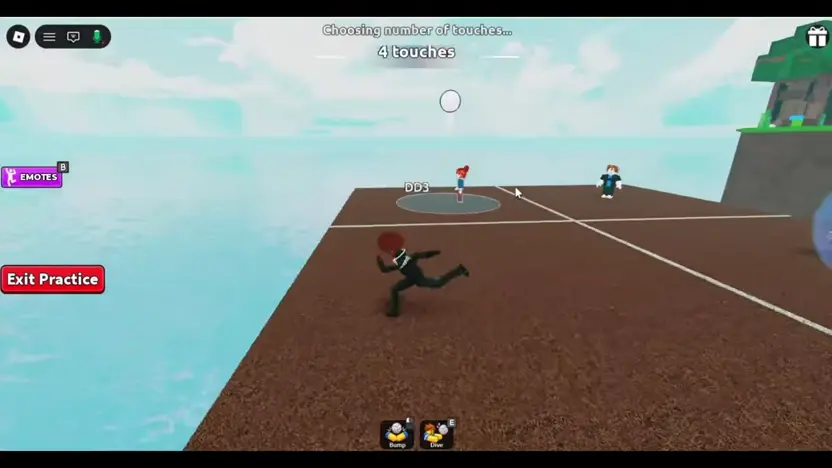
Choose Solo or Duos when the lobby vote appears. On the practice court, press Exit Practice to leave. If you are spectating a match, press Stop.
Choosing Gamemodes and Teaming Up
The recorded Choose Gamemode vote shows Solo and Duos. A third panel reads 12 PLAYERS REQUIRED, but its mode name is hidden in the recorded frame.
A Team Up prompt also appears next to another player in the lobby. Roblox lists a server maximum of 14 players for the experience. The recording does not establish the team count, rotation, or touch rules for each mode.
Using the Practice Court
Look for Practice between matches when it is available. The recording shows a brown training court with a white ball, separate from the grass match court. Use it to repeat a bump or dive and get used to following the ball.
While inside this training space, a red Exit Practice button remains visible on the interface. Selecting Exit Practice removes you from the brown court and returns your view to the main game flow when you are ready to join standard rounds.
Observing Active Matches
The recorded spectator view follows an active match with blue and red squares. Watch the rally from this view to see how players approach an incoming ball.
The recorded spectator interface places a red Stop control near the bottom of the screen. Use that control to leave the spectator view.