Volley Bomb Beginner Guide & First Rally
Finish the Volley Bomb tutorial and press Play to enter the lobby. In your first rally, keep the ball in view, use a bump for a basic return, and dive if the ball drops into your square.
Completing the Onboarding Sequence
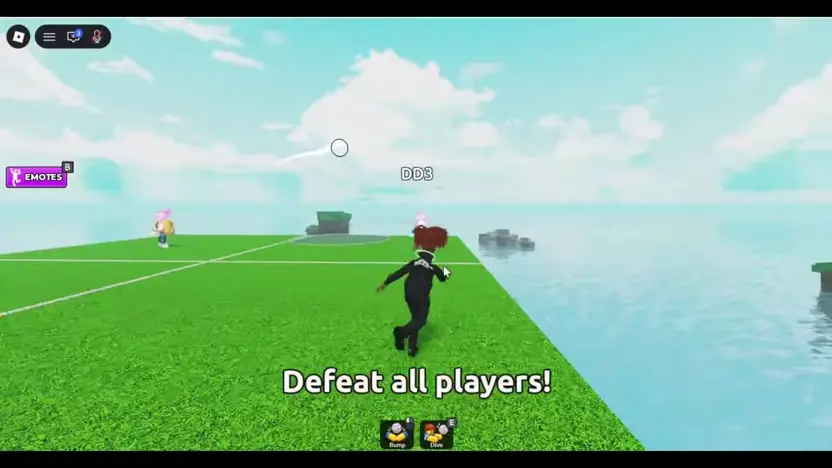
The recorded tutorial starts on a grass court with a white ball and a dark circle on the ground. Keep the ball in view as you move and follow the on-screen prompts, including Defeat all players.
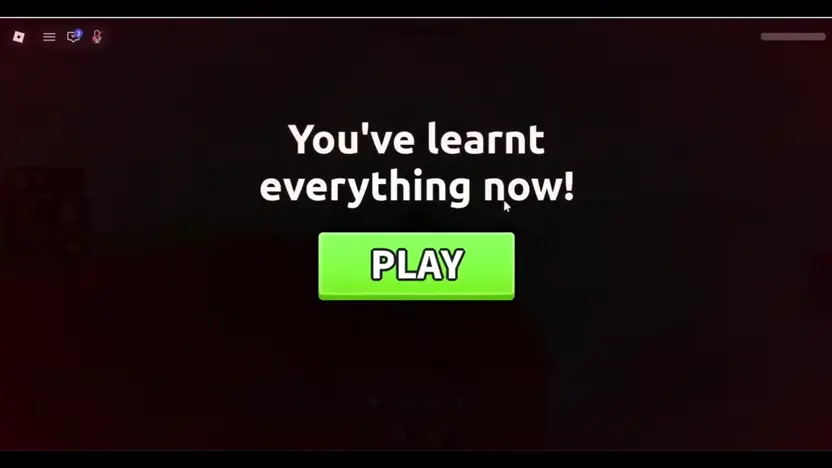
Once you finish these initial steps, a completion overlay appears featuring a PLAY button. Selecting PLAY transitions your character out of the introductory sequence and loads the main lobby where standard matches begin.
Navigating Your First Live Rally
During active rounds, official rules state that the ball explodes upon touching the ground, so keeping the airborne ball in your camera view is a practical priority. You can return the ball using a grounded bump or perform a jumping spike to drive it toward opposing squares.
As a practical tip for early matches, focus on standard grounded bumps while you learn to judge the descending ball and its floor marker. Grounded hits require fewer simultaneous inputs than jumping spikes, allowing you to concentrate on court positioning near the boundaries.
Practicing After a Missed Save
After a missed save, look for Practice when you are back in the lobby. The recording shows a separate brown court with an Exit Practice button. Use this court to get familiar with following the ball and changing direction.
Spend time in this area moving toward the court edges and testing how your character responds to overhead trajectories. When you are ready to return to standard play, select the red Exit Practice button on your screen to rejoin the main flow.